Home / Gameplay / Outfit planner
Gameplay
NWN armor and outfit planner
Plan your Neverwinter Nights armour before you wear it. IronWaffle's Auldwyn Wardrobe shows your outfit on a 3D model, lets you change every armour part and colour, and gives you a share code to import the look onto your character in game.
The tool
What the Auldwyn Wardrobe does
The Auldwyn Wardrobe is a free NWN wardrobe and armor planner, made by IronWaffle for Auldwyn players. It runs in your browser, so there is nothing to install. You build an outfit on a 3D model, then copy a share code and load the same armour onto your character in game. It's tailoring without the trial and error: you see the finished look before you change anything on your character.
Start by choosing your character's race, gender and body type at the top, so the model matches your character.
Preview
See your outfit in 3D
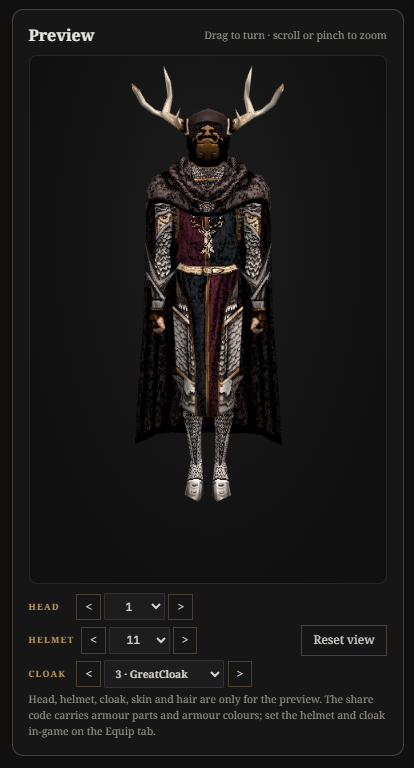
Drag the model to turn it, and scroll or pinch to zoom in on the details.
You can try different heads, helmets and cloaks to see the whole look together.
Head, helmet, cloak, skin and hair are only for the preview. The share code carries your armour parts and armour colours, so set your helmet and cloak in game on the Equip tab.
Armour
Change every armour part
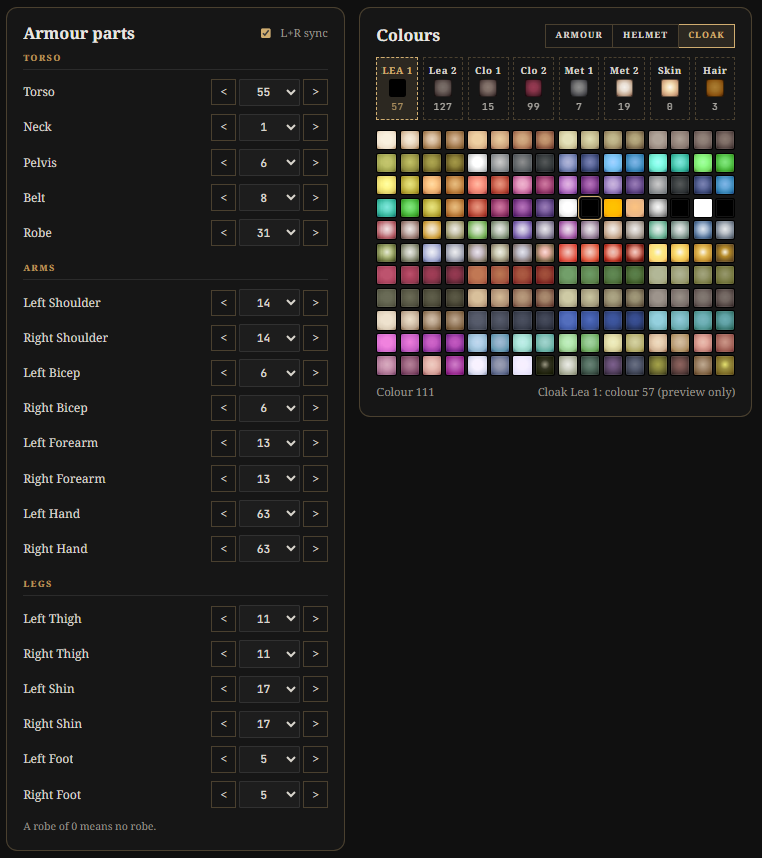
Neverwinter Nights armour is built from 19 parts, and the Wardrobe lets you change each one: torso, neck, pelvis, belt and robe; left and right shoulders, biceps, forearms and hands; and left and right thighs, shins and feet.
Tick L+R sync to change the left and right parts together. A robe of 0 means no robe.
Colours
Armour colours and appearance
Every outfit has six armour colours: two leather, two cloth and two metal. Choose a colour slot, then click a colour in the palette. You can also try helmet and cloak colours, skin and hair on the preview.
In game
Import your outfit in game
When the outfit looks right, the share code at the top of the Wardrobe holds everything the game needs.
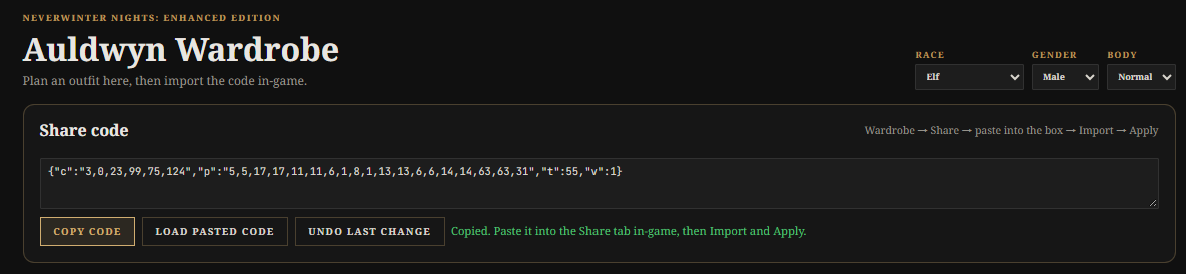
In the Wardrobe, click Copy code.
In game, open the Wardrobe and go to the Share tab.
Paste the code into the box and click Import.
Click Apply.
To change an outfit later, paste its code into the Wardrobe and click Load pasted code. Undo last change steps back one edit. Once the outfit is on, you can give your character a matching face in the character sheet with a custom portrait.